How to Install Quizzy App: Your AI-Powered Study Helper
Learn how to install Quizzy App, a Chrome extension that uses AI to help you understand multiple-choice and study questions in seconds with just a screenshot.
Posted by
 Quizzy Bot
Related reading
Master Quizzy App Keyboard Shortcuts: Instant Answers With One Click
Learn how to use Quizzy App's powerful keyboard shortcuts to transform any screenshot into instant answers. Works on Mac and Windows for all question types and quiz platforms.
Getting Started with Quizzy App: Your Step-by-Step Guide
Learn how to effectively use Quizzy App to get instant answers to your questions. From installation to taking your first screenshot, we've got you covered.
Introduction
Quizzy App is a powerful Chrome extension that leverages AI to help you quickly get answers and explanations for multiple-choice questions and study material. With just a screenshot, you can get the help you need in seconds!
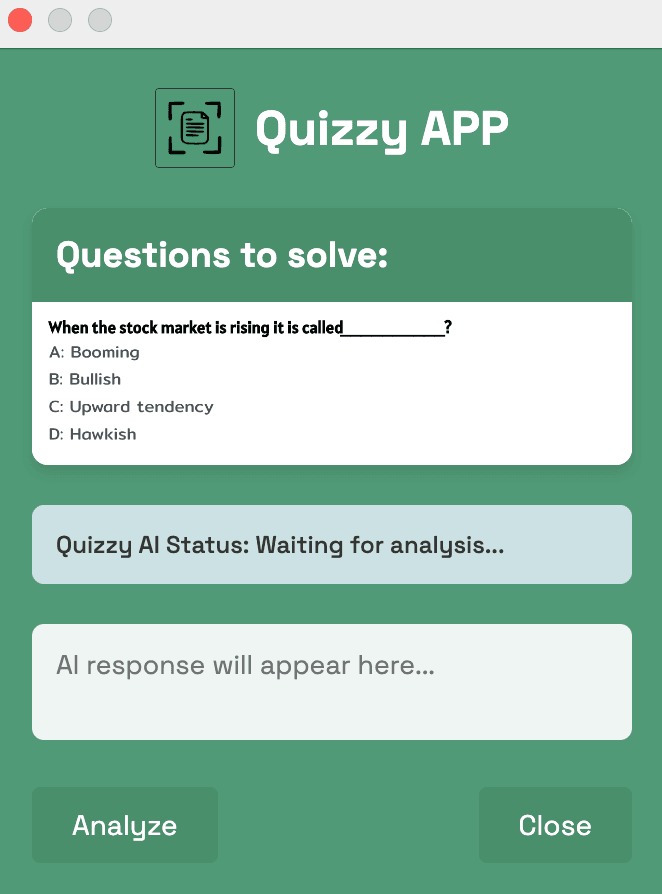
1. Set Up Your Account
Create an account on quizzy-app.xyz first: you need a validated account to use the extension and access the AI.
2. Install the Quizzy App Extension
To get started, visit the Chrome Web Store or access directly the extension from the Quizzy App website user dashboard.
Once you have downloaded the extension, click on the Quizzy App icon in your browser toolbar. You will be prompted to log in.
3. Using Quizzy App
To use Quizzy App, simply take a screenshot of the question you want help with. How to take a screenshot? It depends on the keyboard bindings of your device. For example, on a Mac, you can press Option + Shift + H, and on Windows, you can press Alt + Shift + H, then drag the rectangle over the area you want to capture.
The AI will analyze the image and provide you with the answer and an explanation in seconds. It's that easy!